A shopper takes your card, smiles and moves on to the next table. By Sunday night the card is in a coat pocket. By Wednesday it has been through the wash. They still like your work. They just have nothing left to look at.
A QR code on your table does a different job. It puts your pieces, your prices and your name in the shopper's phone, where they will look again when they are ready.
Where business cards fall short
A card asks the shopper to do the work later: keep it, find it, remember why they took it. Most cards have no photo of the piece they liked and no price. When they finally look at it, they see a name and a phone number they half remember.
And cards live in pockets, next to keys and receipts, behind three store cards in a wallet. Someone who says "I'll think about it" needs a few days. By the time they decide, the card is usually gone.
What the code gives them
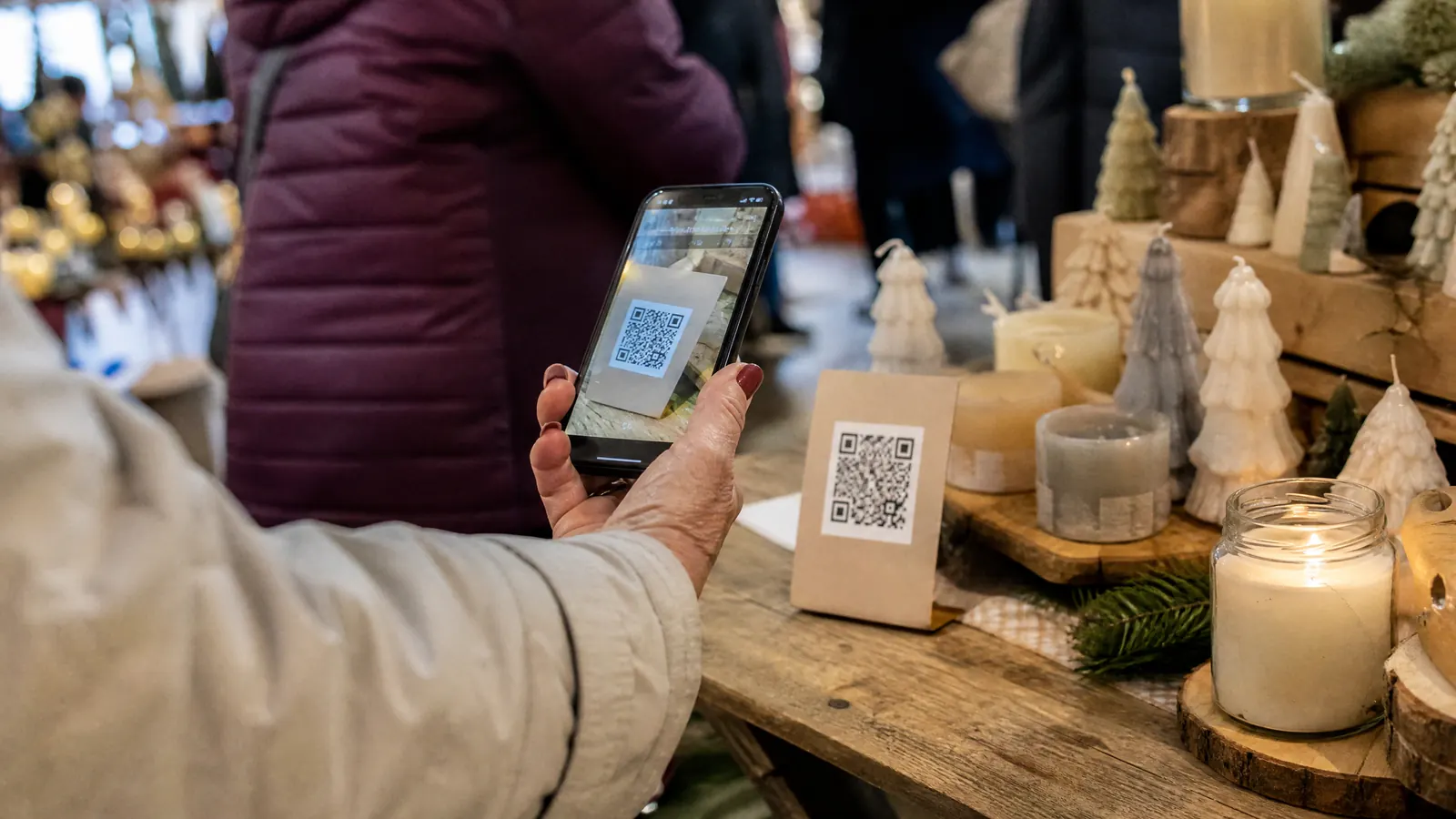
They point the camera at the code and your page opens, with your pieces and prices. No app, no typing, no searching for your shop name.
And when they decide at 9 PM on the couch, your page is still in their phone. They see the piece they held, its size and its price, and they can order while they still remember it.
Keep the page about your work: photos of what you sell, the price, a short line on how it is made. If you sell several kinds of things, put the best sellers first.
The code works best on a table people already stop at. See 6 ways to make shoppers stop.
Where to put it on the table
Put it where eyes already go:
- On a small sign next to your main piece, at eye level rather than flat on the tablecloth.
- On the price card of the piece people pick up most.
- On a little card you hand over when someone says they will think about it.
Print it on stiff card or tape it flat. A sheet of paper flapping in the wind is hard to scan and looks untidy.
Getting people to scan
Say it out loud: "If you want to think about it, scan this. My page stays in your phone." That one sentence does more than any sign, because it lets the shopper walk away without losing you.
Make the code big enough to scan from a step back. Test it on your own phone and on a friend's before the fair. If it is slow to open, fix it at home, not at the table.
Keeping your fair price
If your page has a price code, you can put that code inside the QR link itself. Someone who scans it sees your show price on your page, even days later, without typing anything. You set the code, the price and the end date from your phone. A shopper who scans on Sunday and orders on Thursday still pays your show price.
That way nobody feels punished for taking their time, and you never have to argue fair price versus regular price in front of them.
Paper cards still have a place
Keep a few for the people who ask. Just do not build your table around them. Watch one fair: count the cards you hand out and the people who scan. You will quickly see which one is working.
Add the QR card to the rest of your fair-day checklist, so it never stays home.
The night before
- Open your page on your phone and on someone else's.
- Check that every price on the page matches the table.
- Reprint the card if it is bent or smudged.
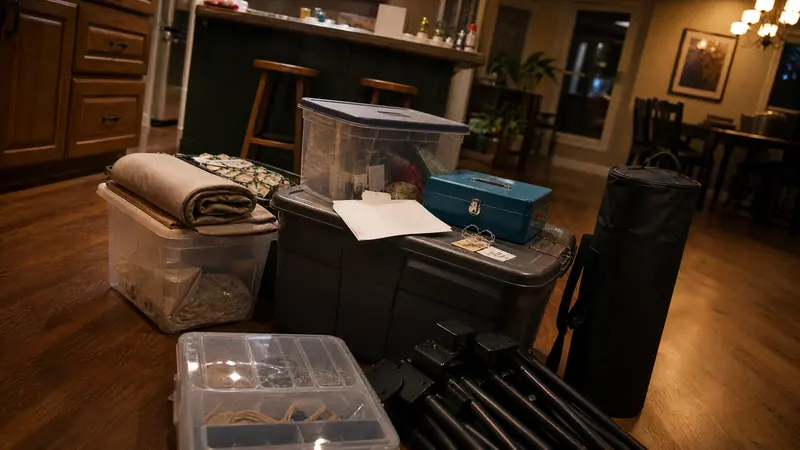
- Keep it in the same box as your price tags, so it travels with the table.
Quick answers
Do shoppers need an app to scan a QR code?
No. Most phone cameras read the code when you point them at it, and your page opens in the browser.
Should I still keep business cards on the table?
Keep a few for people who ask. The code does the work for everyone who says they will think about it.
Can the code show my fair price after the fair?
Yes, if your page has a price code. You set the code, the price and the end date from your phone.